Chrono
Drop-in custom physics replication and lag compensation for Roblox.
Quickstart
Put this in a Script in ServerScriptService and in a LocalScript in StarterPlayerScripts:
local ReplicatedStorage = game:GetService("ReplicatedStorage")
local chrono = require(ReplicatedStorage.Packages.chrono)
chrono.Start()
See Installation and Configuration to get started.
Why Chrono?
- Configure tick rates and replication distances per entity type.
- Control interpolation delay with automatic or fixed buffers.
- Stores past positions for lag compensation.
- Has different model replication modes to suit your setup and bandwidth needs.
- Handles the edge cases you'd encounter when writing your own replication:
- Snaps on teleports instead of sliding.
- Adapts the buffer to packet loss and jitter.
- Smooths ownership changes.
- Handles conflicts with Roblox's own replication.
Showcase
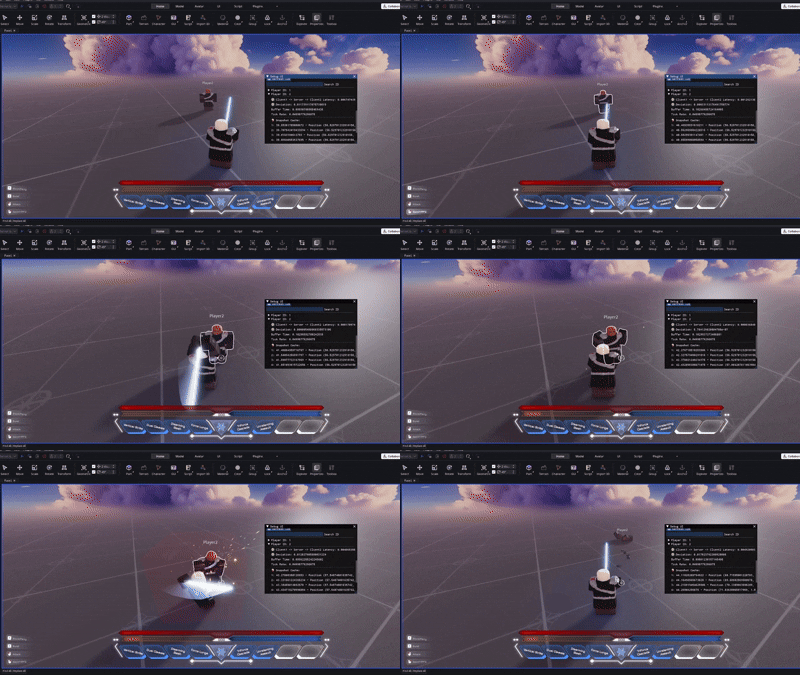
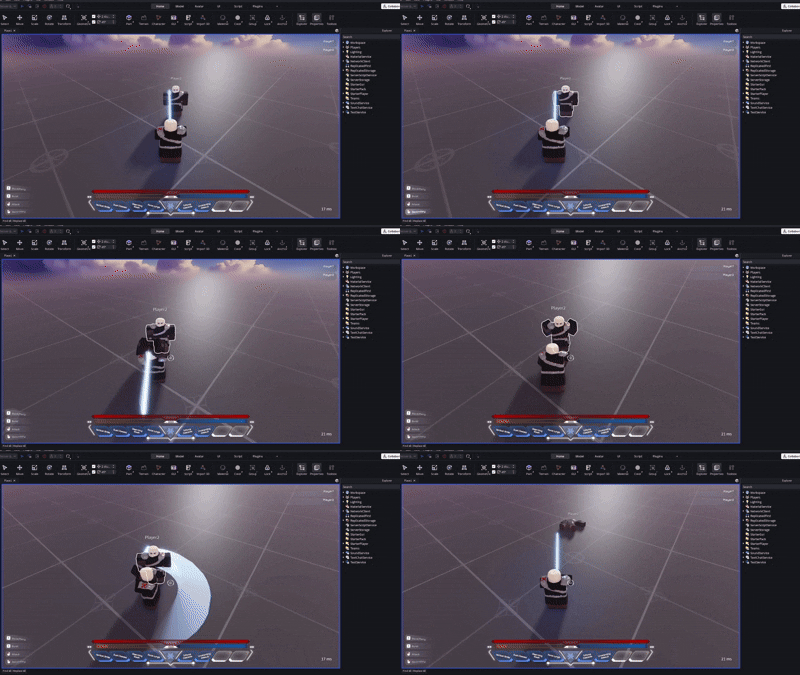

What's new in v2
- Optimizations to the replicator
- More reliable NPC replication
- Custom half-tick for different NPC types
- Mount system
- New method for disabling default replication
- Optional frustum culling (client-sided)
If you like Chrono, consider starring the repo ⭐. If you encounter any issues feel free to open an issue on GitHub or on the Roblox Developer Forum.